


iPhone 17 Air Trade In
Thinking of selling your iPhone? While you can't trade in your iPhone 17 Air with us just yet (but you will be able to very soon!), you can sell other iPhone devices with us for cash! Get an instant price, send it for free and receive fast payment with musicMagpie! Find out how much you can make when you sell iPhone devices by selecting the product you want to sell.
How it works



Sell your iPhone 17 Air with musicMagpie
What basic tests should I do before selling my iPhone 17 Air?
Before your iPhone 17 Air trade in, it’s a good idea to run a few simple checks. Make sure the touchscreen responds properly, Face ID or Touch ID works, and the camera, speakers and charging port are all functioning. Check for any cracks or pixel issues on the display too - this helps ensure you get the most accurate valuation.
How can I get the best price for my iPhone 17 Air?
Want to get the best offer when you sell iPhone 17 Air? Here are a few things you can do to get even more for your device:
1. Sell it as soon as you can. Phones depreciate quickly, so the longer you wait to sell your phone, the more value it’ll lose!
2. Keep it in good condition. We pay more for phones without scratches, dents and bumps!
3. Unlock your phone. We can pay you more if your phone isn’t locked to a network!
You can sell plenty of other iPhone models with us, including:
- Sell iPhone 17
- Sell iPhone 17 Pro
- Sell iPhone 17 Pro Max
- Sell iPhone 16
- Sell iPhone 16 Pro Max
- iPhone 15 trade in
- iPhone 14 trade in
- iPhone 13 trade in
- Sell iPhone 12
- Sell iPhone 11
You can browse our full range and get a free instant valuation for your device on our ‘Sell my iPhone’ page.
Want to sell another phone model? Head to our ‘Sell my phone’ page to see the full range of devices you can trade in with us.
What paperwork or proof does musicMagpie need for iPhone 17 Air?
You don’t need to provide any paperwork or proof of purchase when you sell iPhone 17 Air models with musicMagpie. We’ll simply ask for some personal details to arrange secure payment once your phone has been received and checked.
What are common mistakes that lower resale value for iPhone 17 Air without people noticing?
Many people forget that small marks or scratches can make a difference to value. Not using a case or screen protector can lead to scuffs and potential damage to your device which can lower the price of your Phone 17 Air trade in offer.
How to securely erase all data from iPhone 17 Air before selling?
To securely wipe your phone before you sell your iPhone 17 Air, open Settings > General > Transfer or Reset iPhone > Erase All Content and Settings. Make sure you’ve backed up your photos and signed out of iCloud first. This ensures your data is completely removed before completing your iPhone 17 Air trade in. For help on how to remove your iCloud, head to our 'Removing your iCloud account' page.
Can I trade in my iPhone for a new one?
Absolutely! You can use your iPhone 17 Air trade in to put money towards a new upgrade. musicMagpie pays you directly, so you can spend the cash however you like - whether that’s towards the latest iPhone or something else. It’s a quick and flexible way to sell iPhone 17 Air and upgrade on your own terms!
Sell iPhone 17 Air the easy way with musicMagpie!
Related blogs
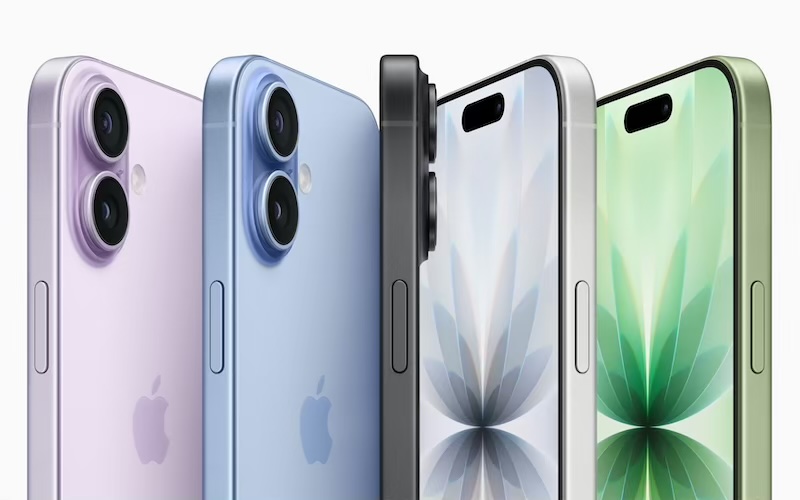
iPhone 17 vs iPhone 16
Looking to upgrade your iPhone? Let’s compare the iPhone 17 vs iPhone 16 to see which one you should upgrade to!
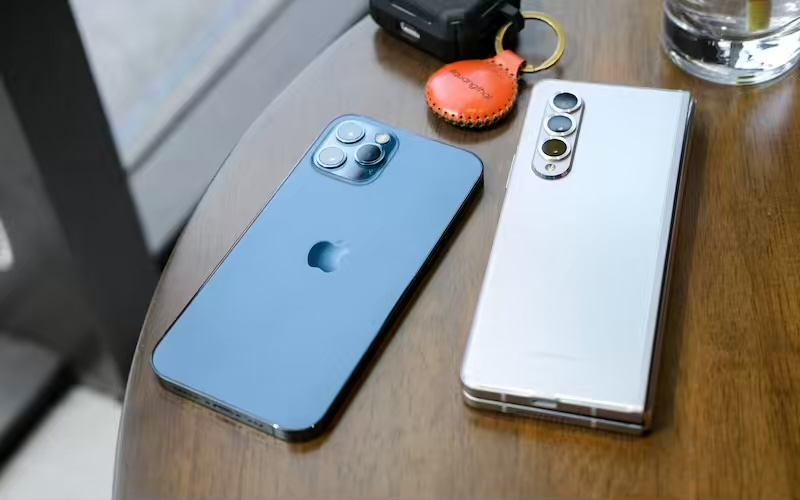
Is the iPhone 17 copying a 2013 Galaxy phone?
Apple has packed the iPhone 17 series with features that sound suspiciously familiar to features from a previous Samsung model… let’s take a deeper dive!
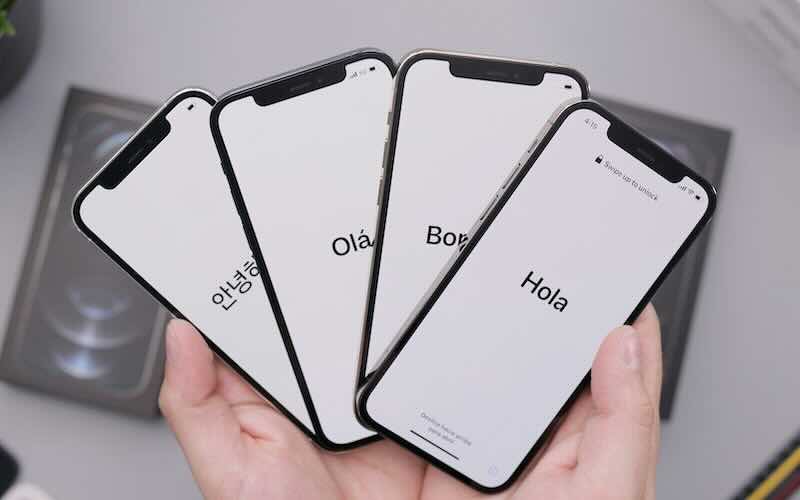
The evolution of the iPhone
Let’s take a journey through the iPhone timeline and explore the list of iPhones in order, from the very first to the latest model!