


Sell iPhone 17 Pro for Cash
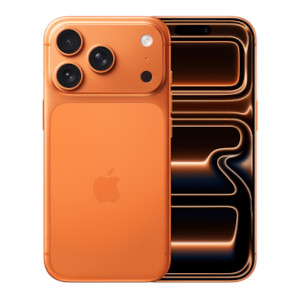
Sell iPhone 17 Pro today with musicMagpie! Get an instant valuation, free postage, and fast payment. Start your iPhone 17 Pro trade in now and see how much you could earn.
How it works




Sell your iPhone 17 Pro with musicMagpie
What’s the best time to sell my iPhone 17 Pro before the price drops?
It’s smart to sell iPhone 17 Pro models before Apple unveils its next device. Prices typically fall once a new model is announced, so securing your iPhone 17 Pro trade in price early helps you get the best value for your phone.
Looking to sell a different phone model? Visit our ‘Sell my phone’ page to see the full range of mobile phones you can trade in with us.
Does battery health affect how much I can sell an iPhone 17 Pro for?
Battery health does play a key role in how much your iPhone 17 Pro trade in is worth. To achieve our excellent condition grade - and the highest payout - your iPhone’s battery health needs to be at 80% or higher. Devices with lower than 80% battery health will receive a fair valuation, but they will fall into either the good or poor condition grades.
Can I sell a broken or damaged iPhone 17 Pro?
Yes, you can! We make it easy to sell iPhone 17 Pro models and other devices, even if it’s cracked, dented or has technical faults. You can find more info on our ‘Sell Broken iPhone’ page!
What basic tests should I do before selling my iPhone 17 Pro?
Before you sell your iPhone 17 Pro, check that the screen, camera, Face ID and buttons work properly. You’ll also need to check if the device powers on and ensure that all personal data is erased. These checks will help you select the correct grade for your trade-in.
How can I get the best price for my iPhone 17 Pro?
You’ll always get our best possible valuation based on the information you provide. There are a few things you can do to get even more for your mobile though:
- Sell it as soon as you can. Your phone will lose value over time, so sell it as soon as you no longer need it!
- Keep it in good condition. We pay more for phones without scratches, dents and bumps!
- Unlock your phone. We can pay you more if your phone isn’t locked to a network!
You can sell plenty of other iPhone models with us, including:
What paperwork or proof does musicMagpie need for iPhone 17 Pro?
You won’t need any receipts or paperwork to sell iPhone 17 Pro models with us. We only ask for a few personal details so we can pay you securely once your phone has been checked.
What are common mistakes that lower resale value for iPhone 17 Pro without people noticing?
The easiest way to lose value on your device is by skipping basic protection. Many people forget to use screen protectors or cases, which leads to scratches and marks that reduce the worth of your iPhone 17 Pro trade in. Keeping your device protected helps you earn more when you come to sell it later!
How to securely erase all data from iPhone 17 Pro before selling?
To wipe your phone safely before trading in, open Settings > General > Transfer or Reset iPhone > Erase All Content and Settings. Make sure you’ve backed up what you need and signed out of iCloud first to protect your data. For help on how to remove your iCloud, head to our 'Removing your iCloud account' page for more information.
Can I trade in my iPhone for a new one?
Yes, you can trade in your old iPhone and use the cash towards an upgrade! With musicMagpie, the iPhone 17 Pro trade in process is quick and easy - just get an instant valuation, send your device and get paid fast. You can browse our full range and get a free instant valuation for your device on our ‘Sell my iPhone’ page.
Sell iPhone 17 Pro the easy way with musicMagpie!
Related blogs
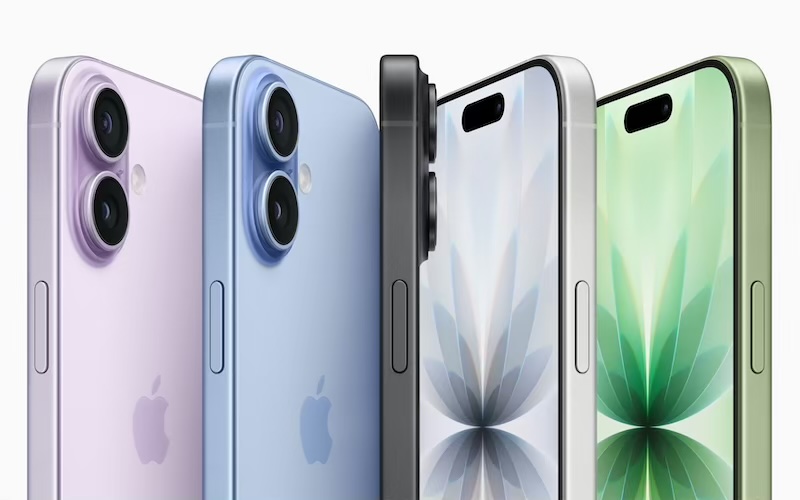
iPhone 17 vs iPhone 16
Looking to upgrade your iPhone? Let’s compare the iPhone 17 vs iPhone 16 to see which one you should upgrade to!
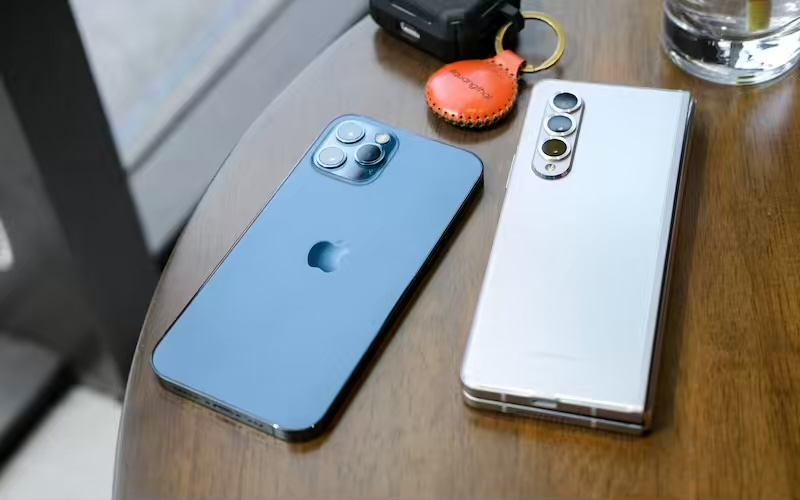
Is the iPhone 17 copying a 2013 Galaxy phone?
Apple has packed the iPhone 17 series with features that sound suspiciously familiar to features from a previous Samsung model… let’s take a deeper dive!
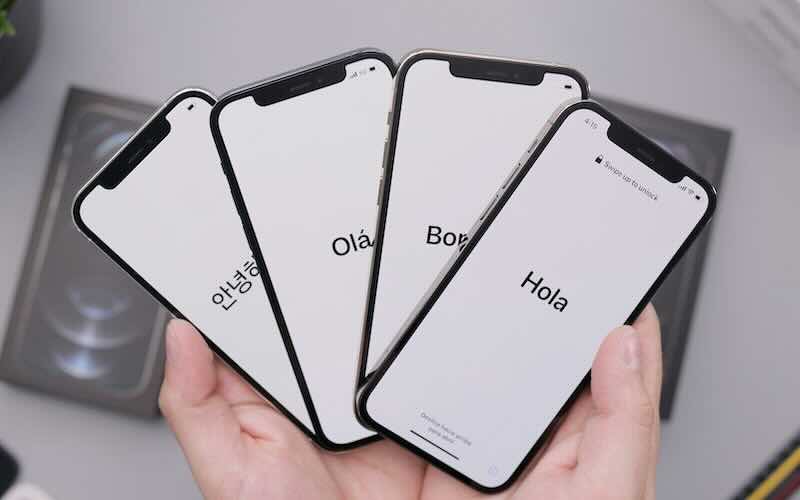
The evolution of the iPhone
Let’s take a journey through the iPhone timeline and explore the list of iPhones in order, from the very first to the latest model!