
Please note: Once your item arrives with us our team of trained experts will run a full diagnostic check to verify your device is as described.


PlayStation Trade-In
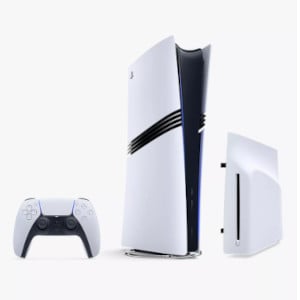
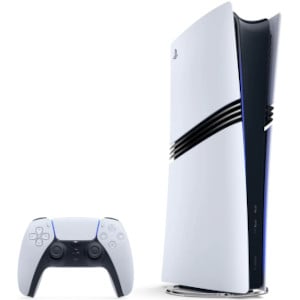
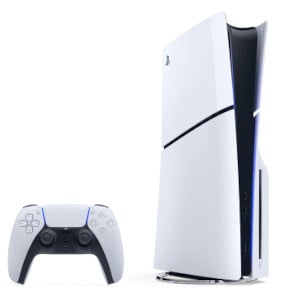
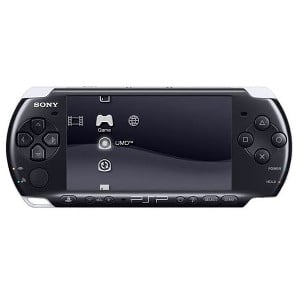
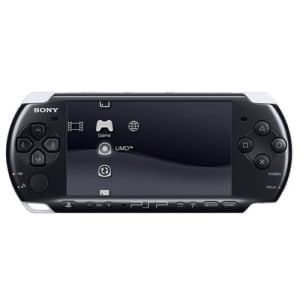
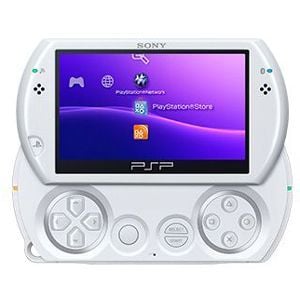
Wondering ‘how can I sell my PlayStation’? It’s easy with musicMagpie! First, get an instant valuation by selecting your PlayStation from the options below. Then, send it for FREE and we’ll pay for it the same day it arrives.


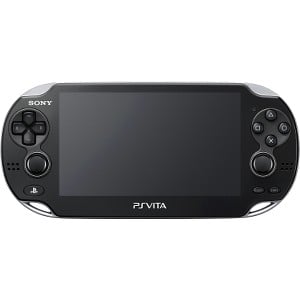
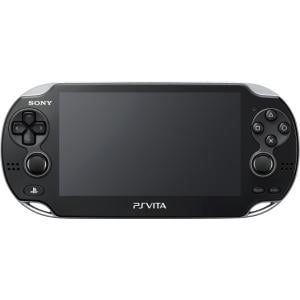
How do I sell my PlayStation?
Whether you’re thinking of upgrading or already have, you can make it cheaper and more environmentally friendly by trading-in and shopping with us!

Get a free instant valuation: just tell us what you want to sell and we’ll tell you how much it's worth.

Send your items for free using one of our convenient options. If you’re selling a phone, you can take it to your nearest participating Timpson store.

Once your items arrive, our expert team will carry out a fair and thorough quality assessment.

When we’ve completed our checks, we’ll pay you the same day via bank transfer.
It's so easy to sell PlayStation consoles with musicMagpie!
Where can I sell my PlayStation?
musicMagpie is the best place to trade in your PlayStation and get a fantastic amount of cash for it. Just tell us the condition of your console and get an instant price. It’s really that easy!
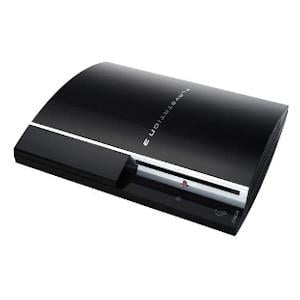
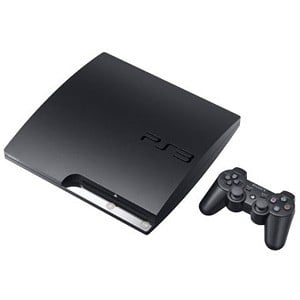
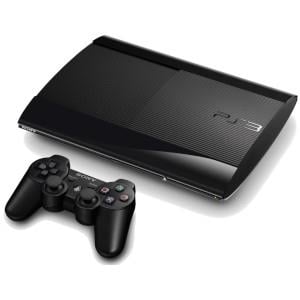
Did you know you can also sell PS3 consoles too? Recycle them with us and get cash - fast!
How to sell my PlayStation console
It’s so easy to get a price for your old PlayStation console:
- First, get an instant price by telling us which model you’re selling and the condition it's in (don’t forget you can sell Games at the same time too!)
- Then, pop it into a box and send it for FREE
- We’ll then pay you the same day your items arrive by bank transfer!
Head to our how it works page for more information.
How to prepare your PlayStation for trade in
It’s important that you trade in your console correctly. By this, we mean ensuring your console has been wiped of any personal data.
How to wipe PS3 data:
- On the home menu select Game - then Saved Data Utility (you can also select Game Data Utility to delete individual games only)
- Locate your Saved Data
- Press Triangle and select Delete with X
How to wipe PS4 or PS4 Pro data:
- Select the initialisation tab in Settings
- Select Restore Default Settings
- Follow the on-screen instructions to factory reset your PS4
DO NOT power off your console during this process.
Why trade in your PlayStation with musicMagpie?
Did you know we’ve paid out hundreds of millions to our happy customers? With numerous awards under our belt, including Best Recycling Service for many years running, and an Excellent rating on Trustpilot, you know you can trust us too!
We're also dedicated to helping the environment, which means that your PlayStation will either be resold or recycled responsibly!
Plus, our Tech Price Promise guarantees you’ll get the first price we offer or we’ll send your Nintendo console back for FREE – no questions asked!
Sell your PlayStation with musicMagpie today!
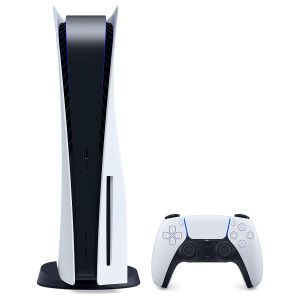
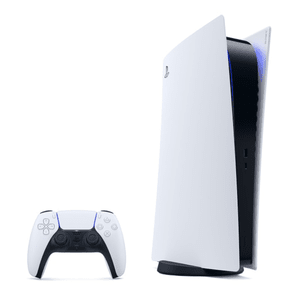
Sell PlayStation 5

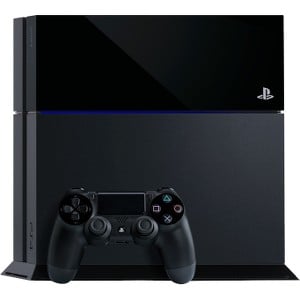
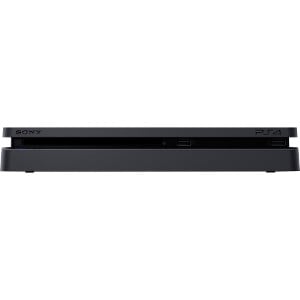
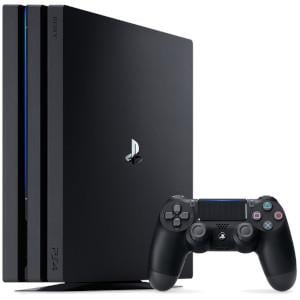
Sell PS4

Sell PS Games
Related blogs
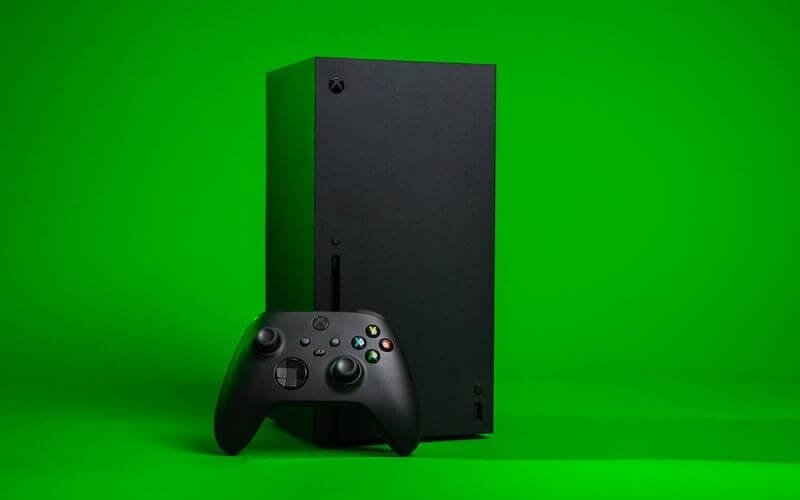
Xbox Series X vs PS5 specs explained
Not sure which console to pick between Xbox X vs PS5? We've delving into all the relevant specs to find out which one is the most powerful!

Which is the best games console?
Looking to purchase a new games console but unsure of which one to choose? Here are the best games consoles ranked to help you determine what is the best console!

Top celebrity appearances in video games
There’s something about a famous face that just gets people excited... which probably explains some of these completely random celebrities in video games!