
Please note: Once your item arrives with us our team of trained experts will run a full diagnostic check to verify your device is as described.


Sell your Samsung Galaxy S26 for cash
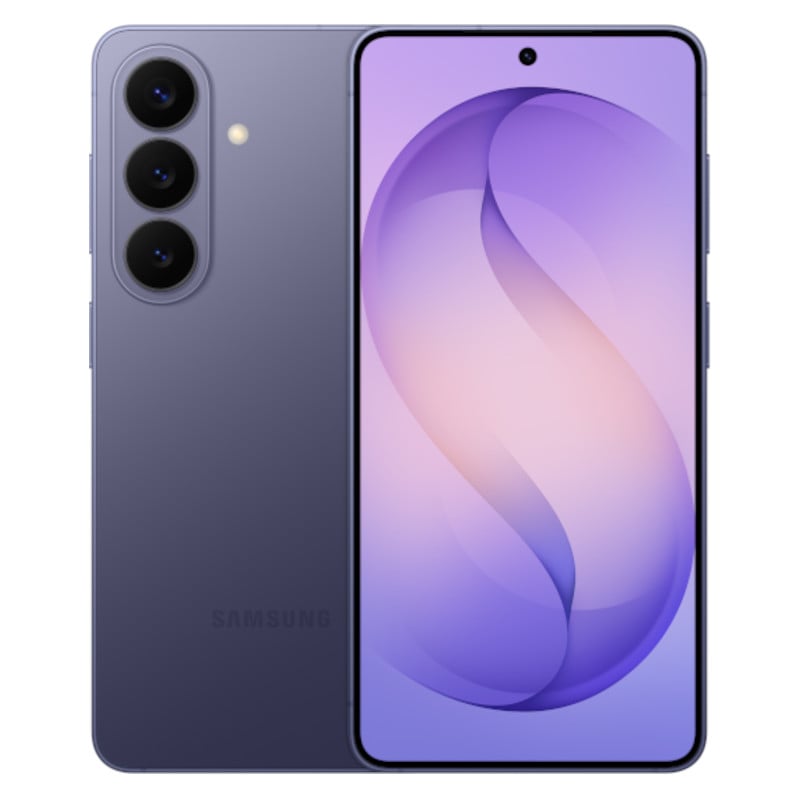
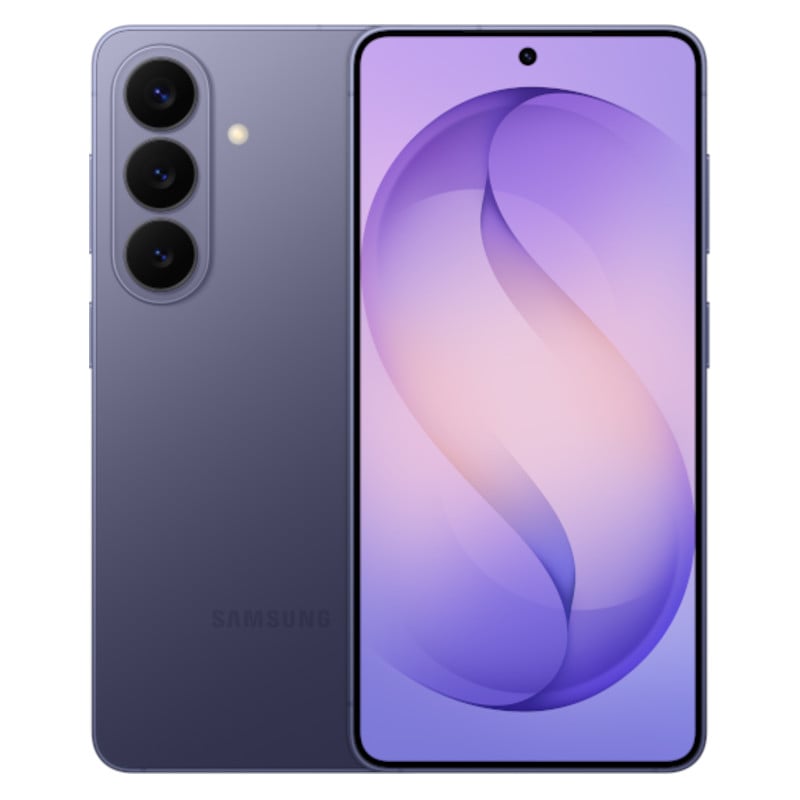
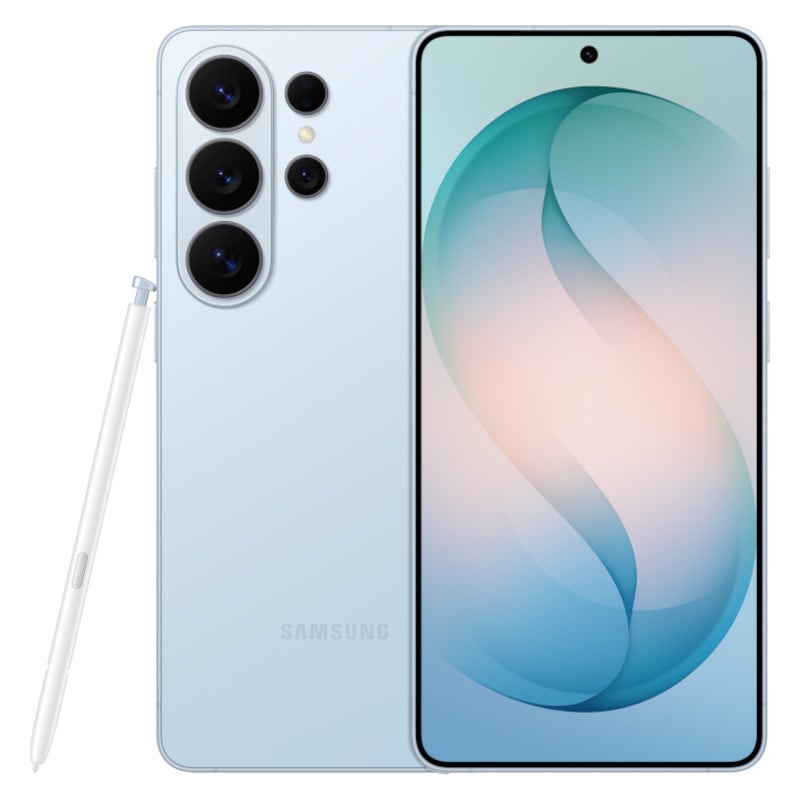
Want to sell your Samsung Galaxy S26? Give musicMagpie a try! Get an instant price by selecting the model you want to sell below, send it for free and receive fast payment.
How it works
Whether you’re thinking of upgrading or already have, you can make it cheaper and more environmentally friendly by trading-in and shopping with us!

Get a free instant valuation: just tell us what you want to sell and we’ll tell you how much it's worth.

Send your items for free using one of our convenient options. If you’re selling a phone, you can take it to your nearest participating Timpson store.

Once your items arrive, our expert team will carry out a fair and thorough quality assessment.

When we’ve completed our checks, we’ll pay you the same day via bank transfer.
Sell your Samsung Galaxy S26 with musicMagpie
Can I sell my Samsung Galaxy S26 to musicMagpie?
Of course! We're one of the UK's leading mobile phone recyclers, so we accept a wide range of Samsung Galaxy models in any condition. We are also competitively priced, so you'll get a great price for your Samsung Galaxy S26.
Want to sell another phone model? Head to our ‘Sell my phone’ page to see the full range of devices you can trade in with us.
Can I sell a damaged or faulty Samsung Galaxy S26?
Absolutely! Just make sure to select the ‘Poor’ condition when getting your valuation. Please note: we cannot accept your phone if it’s missing components or is crushed, bent or snapped in half. You can find more info on our ‘Sell Broken iPhone’ page!
Do I need to reset my Samsung Galaxy S26 before selling it?
Yes, before you trade in your Samsung Galaxy S26 with us, you’ll need to sign out of your Samsung and Google accounts and remove all your information from the device. Here’s a step-by-step of what you should do before sending in your phone:
- Go to settings and choose System, Advanced then reset options.
- You’ll have three choices - if you want to erase everything then choose ‘erase all data (factory reset). The other options are ‘reset app preferences’ and ‘reset wi-fi, mobile and Bluetooth’.
- You’ll get a warning reminding you all of your data will be deleted. Select ‘reset phone’.
- You’ll be asked to provide a PIN or security set up if you have it.
- You’ll get another warning asking if you’re sure, choose ‘erase everything’.
How do I send my Samsung Galaxy S26 to musicMagpie?
It's a very quick and easy process! Simply select the Samsung Galaxy model you want to sell and choose the GB and condition of your device. You'll be able to choose whether you want to post your Samsung Galaxy S26 with Royal Mail or take it into a Timpson store for a faster trade-in.
If posting your device with Royal Mail, it'll take a few days to arrive to our warehouse; however, if you decide to trade-in with Timpson, you can go to any participating store for an instant device assessment and payout.
How long does it take to get paid after selling my Samsung Galaxy S26?
If you've sent your Samsung Galaxy S26 to us with Royal Mail, it'll take a few days to arrive to our warehouse. Once it's arrived, it'll be assessed to ensure it matches the condition you've selected. You'll be paid the same day it's assessed!
If you're trading-in with Timpson, you'll be paid within 15 minutes of your phone being checked and confirmed by a Timpson employee.
Sell Samsung Galaxy S26 the easy way with musicMagpie!
Sell iPhone

Sell My Phone

Sell Samsung Galaxy
Looking for something else?
Sell My Samsung | Sell My Phone | Sell Samsung Galaxy S25 Plus | Sell Samsung Galaxy S25 | Sell Samsung Galaxy S24 Plus | Sell Samsung Galaxy S24 | Sell Samsung Galaxy S23 | Sell My Samsung S22 | Sell My Samsung 21 Plus | Sell My Samsung S21 | Sell Samsung S20 | Sell Samsung S10 Plus | Sell Samsung S10